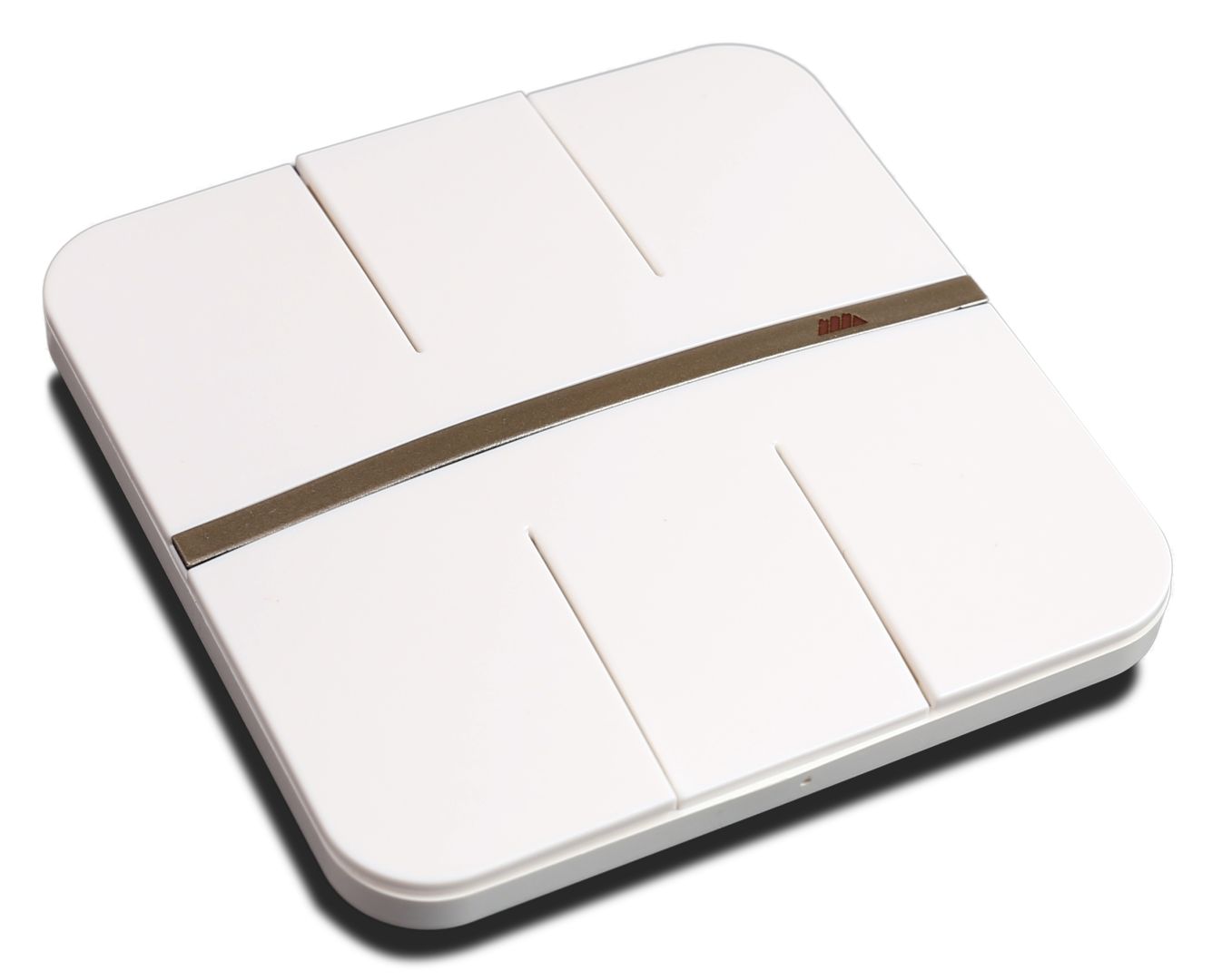
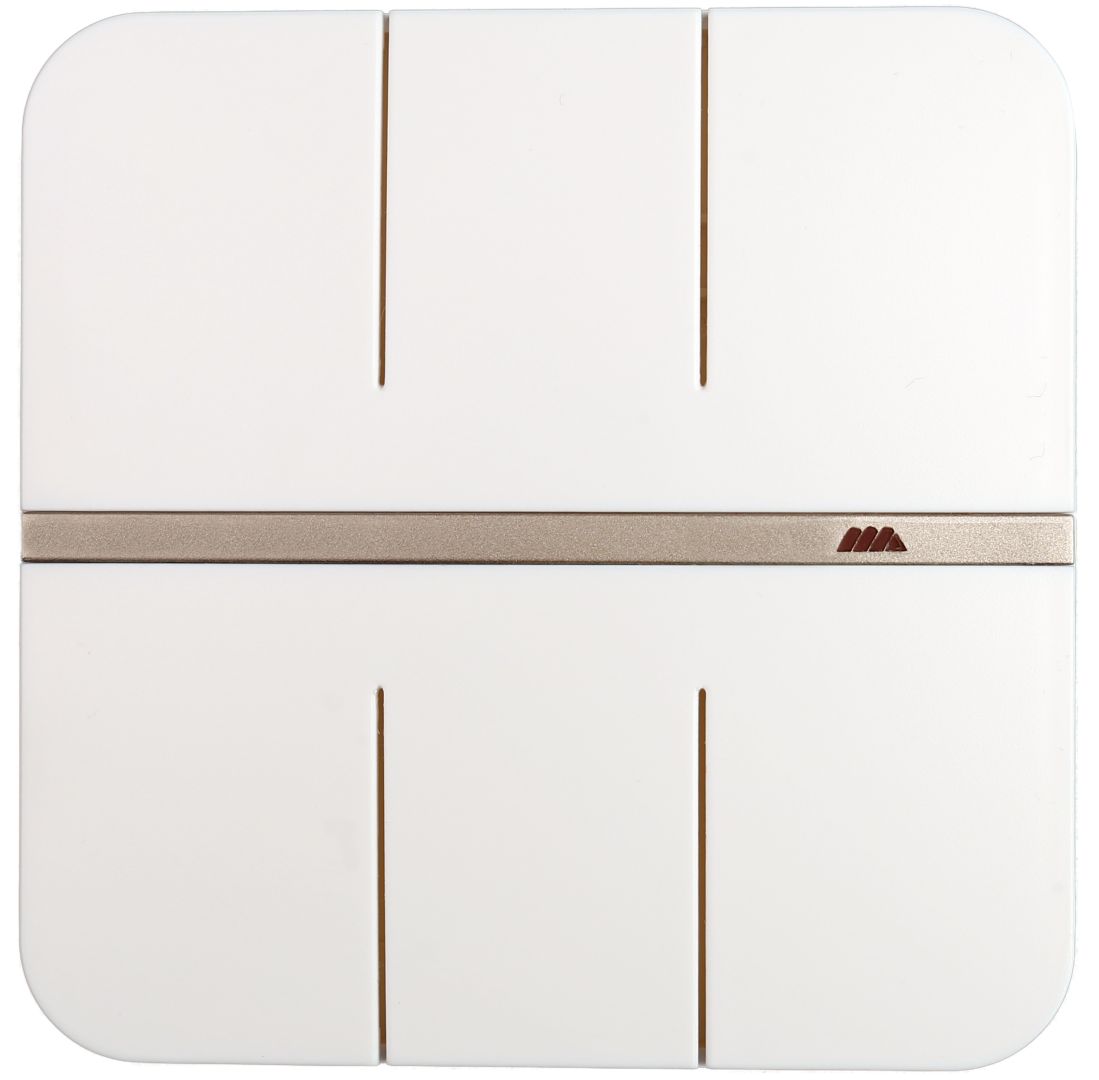
Wireless wall switch with temperature sensing - MIDAM WINx11
Wireless, battery operated wall fold button/switch featuring up to six digital inputs (buttons). It can use its built-in temperature sensor for ambient temperature readouts. Native modbus map grants seamless integration into any SCADA systems. The communication is based on encrypted Midam KFP protocol, which allows to update the device firmware on a wireless basis.
- Push button – up to 6 digital inputs
- Built-in room temperature sensor
- Integrated Modbus register map
- Integration into a supervisory system
Function
The WINx11 module monitors up to 6 digital inputs/buttons, supporting long press and flip/flop emulating (one button function). Wireless communication is based on an unlicensed 868MHz band. Embedded AES 128-bit, provides the most secure encryption standard for wireless connections. The signal is sent to a receiver, such as a wireless DALI converter (WDALI01, WDALI51), wireless digital outputs (WOUT251, WOUT261), or a wireless gateway (WCOM01 or WCOM51). All digital inputs (buttons) are configurable. The switch can use its built-in temperature sensor for reference ambient temperature measurements. The device has factory-set values to ensure the correct default function and allows direct reading and writing of values to the Modbus map, which is available in a separate document. All settings are also stored in the Modbus map directly in the device. Before using the device for the first time, it is necessary to pair it and it is recommended to perform individual configuration, especially to change the encryption password.
Application
- 2 digital inputs wireless module WIN211 (on request)
- 4 digital inputs wireless module WIN411
- 6 digital inputs wireless module WIN611
- Control of up to six or three (twin mode) light circuits (wireless DALI)
- Control of up to three shutters/blinds
- Reference temperature sensing
- Wireless integration into DDC/SCADA systems
Pairing
Two devices are required for mutual communication. Both must be powered and located in close proximity to each other. Usually, wireless gateway or configuration dongle is used to set up remote wireless devices. Use look-up function in software tool to display a list of all available devices in range and assign or adjust parameters based on wireless ID code for each single device. There is a comprehensive help section integrated in the software tool to provide support during the wireless device set up procedure. To perform manual pairing, set the PRG switch or the DIP switch on the remote device. From this time on, any digital input (button) on WINx11 must be activated within 10 seconds. This confirms the pairing of both devices. Switch the PRG DIP switch on remote device again.
Scada system integration
The module can be integrated through the fan coil controller WFC01001, via the Modbus RTU (RS485). For direct integration of the device, use of wireless gateways, such as WCOM01, or WCOM51 is recommended.
Midam KFP Password change
Prior to the first use, the encryption password (default “MIKROKLIMA1234AB”) must be changed using the WUSB01 configuration dongle and the relevant software tool.